
CommandLyne Assistant
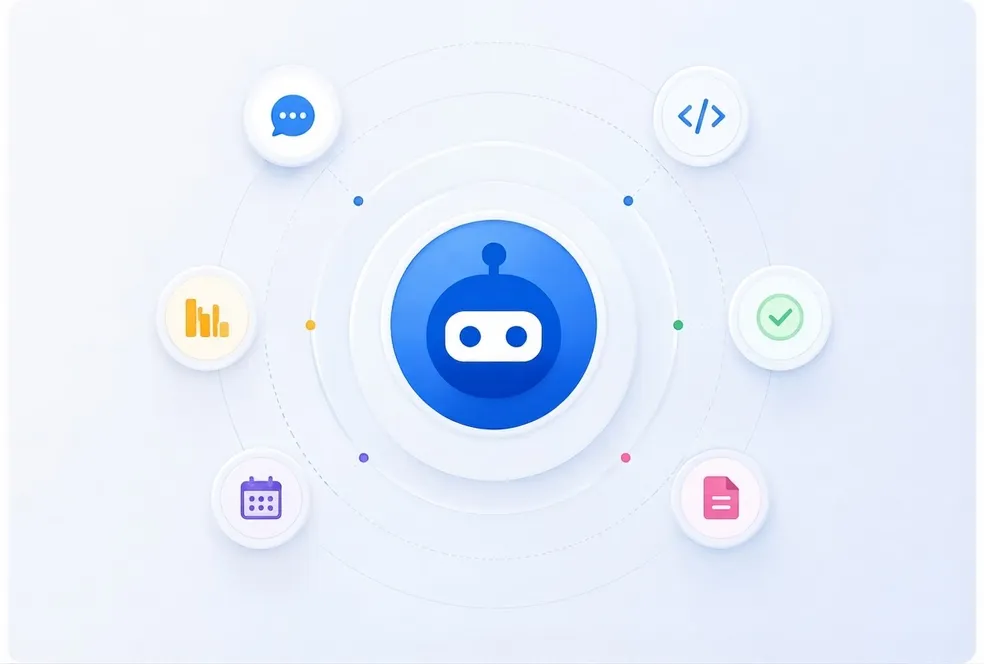
A natural-language command interface for asking questions and completing work across connected systems.
The intelligence era is here. Get more time back for the work that matters.
Explore CommandlyneControl every AI agent, model, workflow, and memory from one secure CommandLyne workspace.
Book a DemoCommandLyne unifies AI agents, models, workflows, memory, and enterprise tools within one secure orchestration platform
A natural-language command interface for asking questions and completing work across connected systems.
Team-specific AI workspaces with their own tools, workflows, memory, models, and permission boundaries.
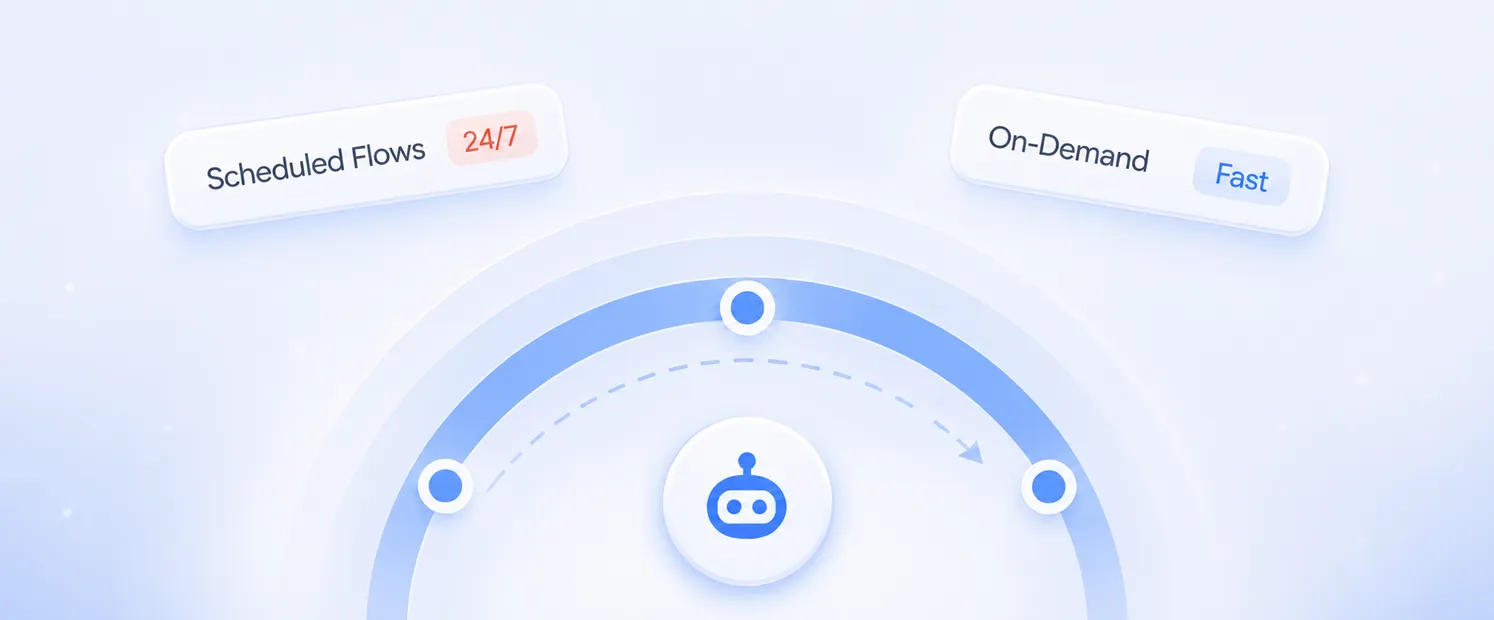
Create scheduled, event-driven, or on-demand workflows using natural-language instructions.
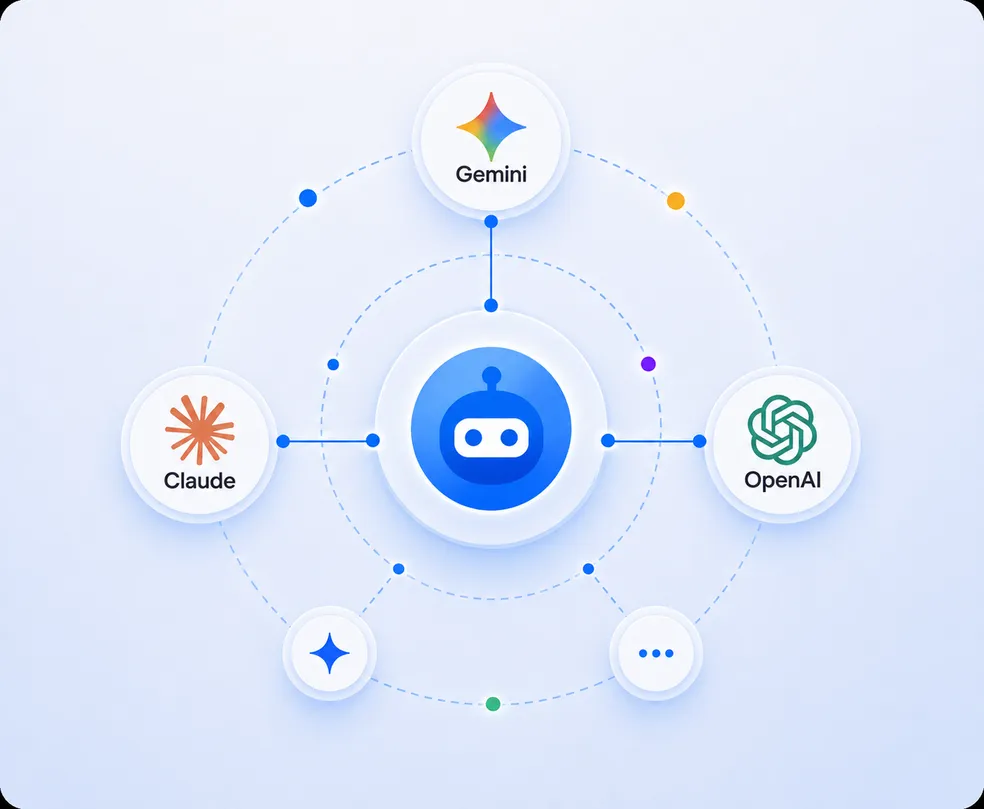
Connect and govern Gemini, Claude, OpenAI, and other supported models without being locked into one provider.
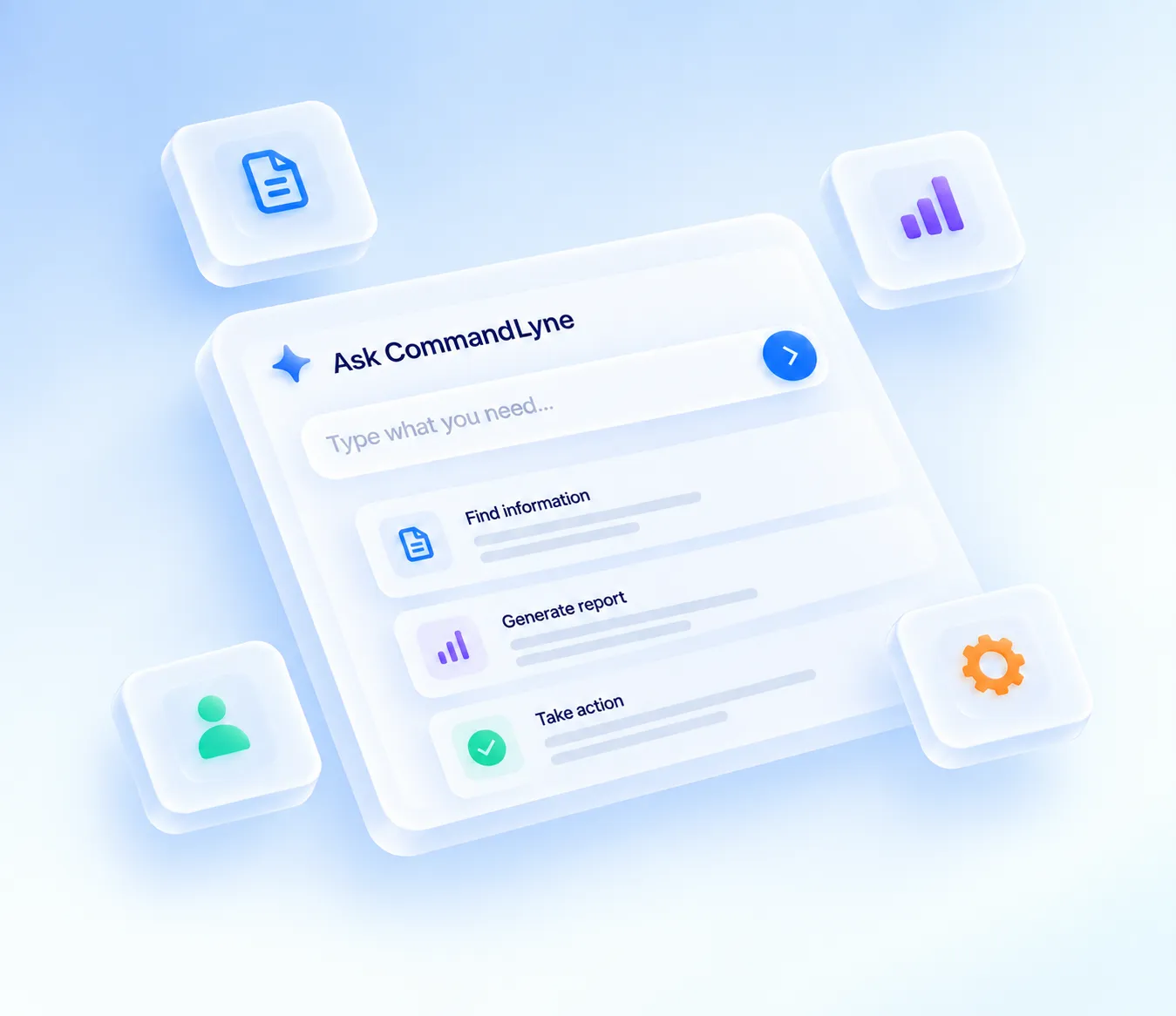
Type what you need in plain language. CommandLyne determines which data, models, tools, and actions are required to complete the task.
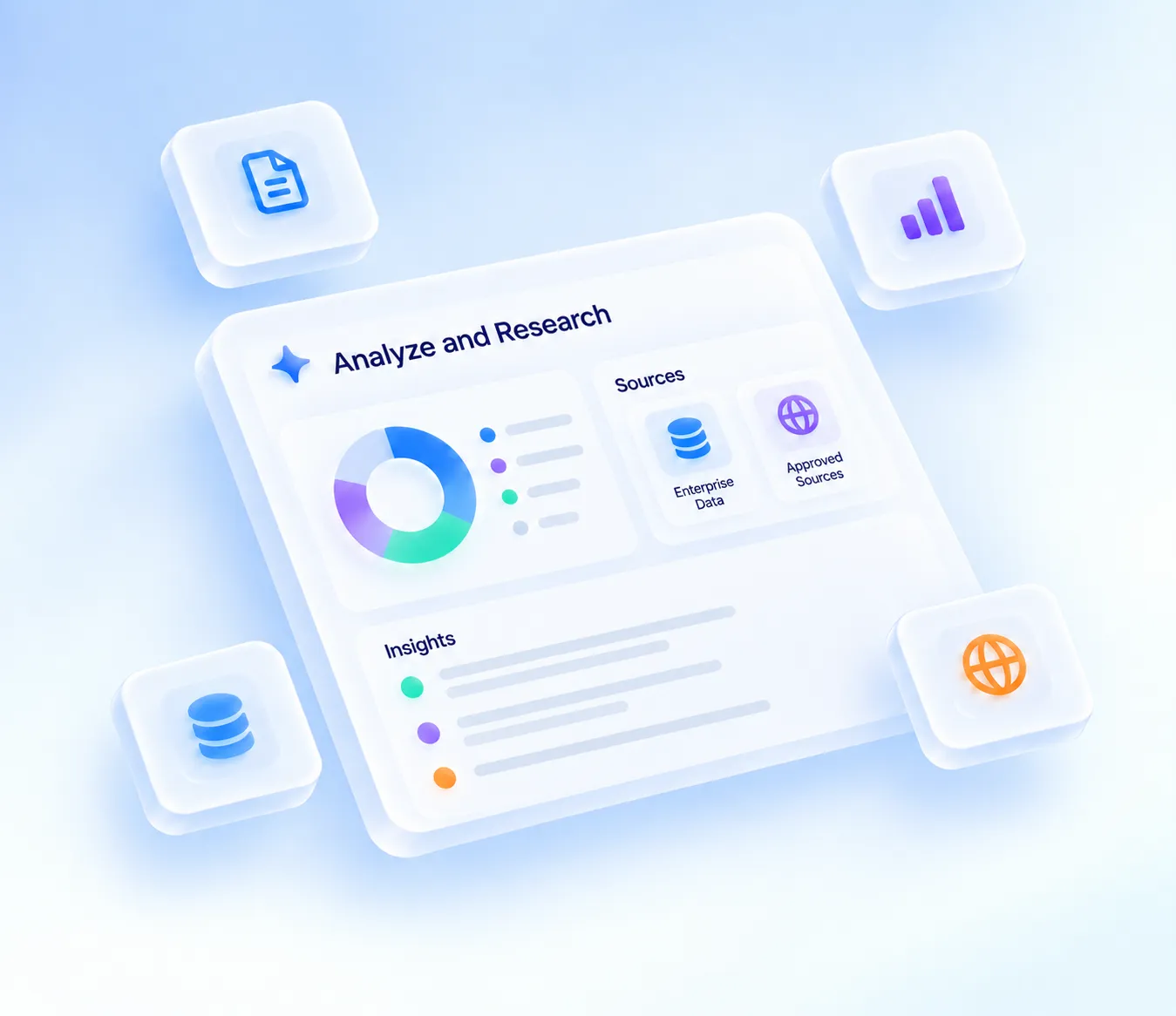
Combine information from enterprise data and approved external sources to produce structured insights.
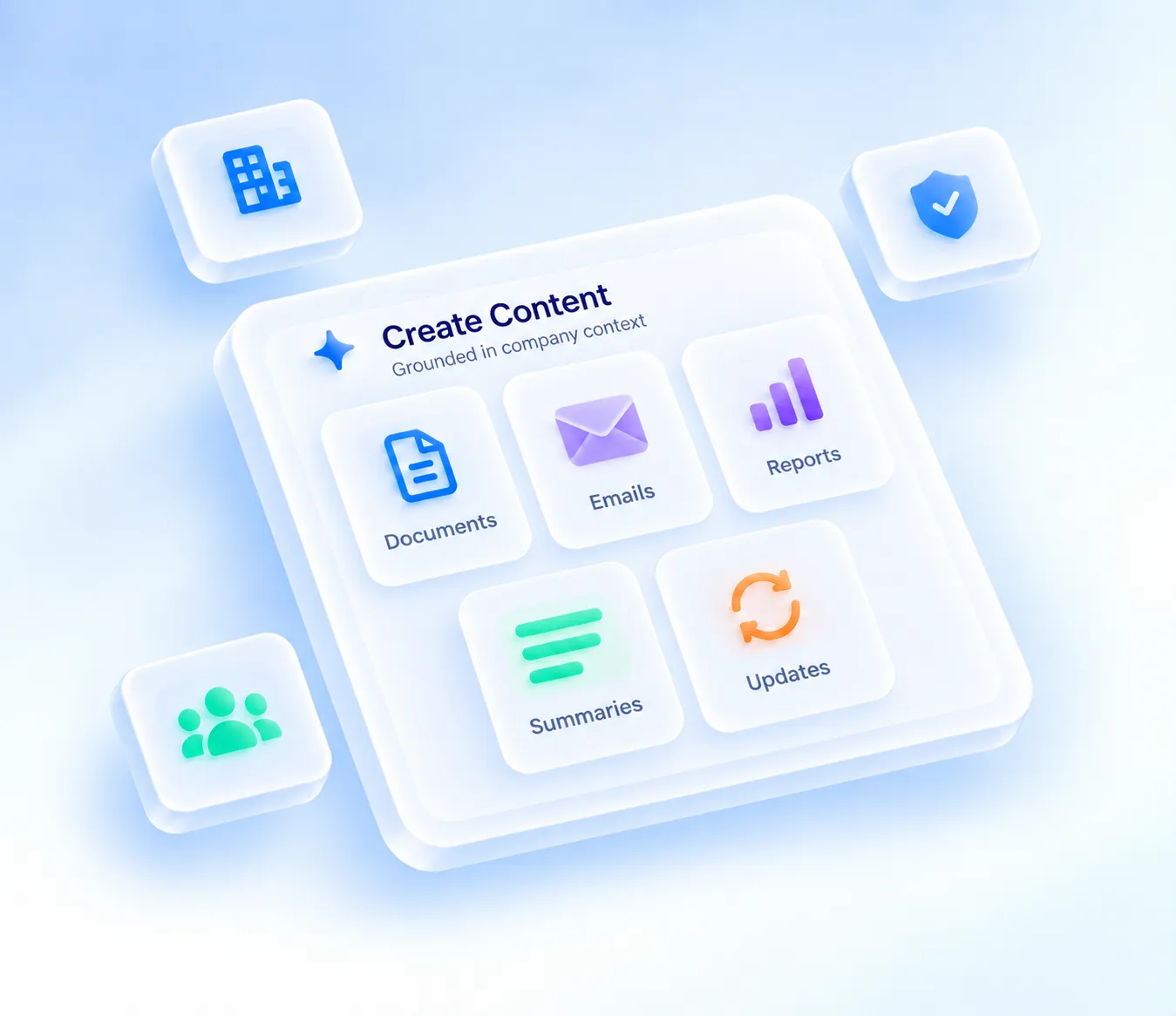
Create reports, documents, emails, summaries, and updates grounded in company context.
Send emails, update documents, create Jira tickets, schedule events, and complete multi-step tasks.
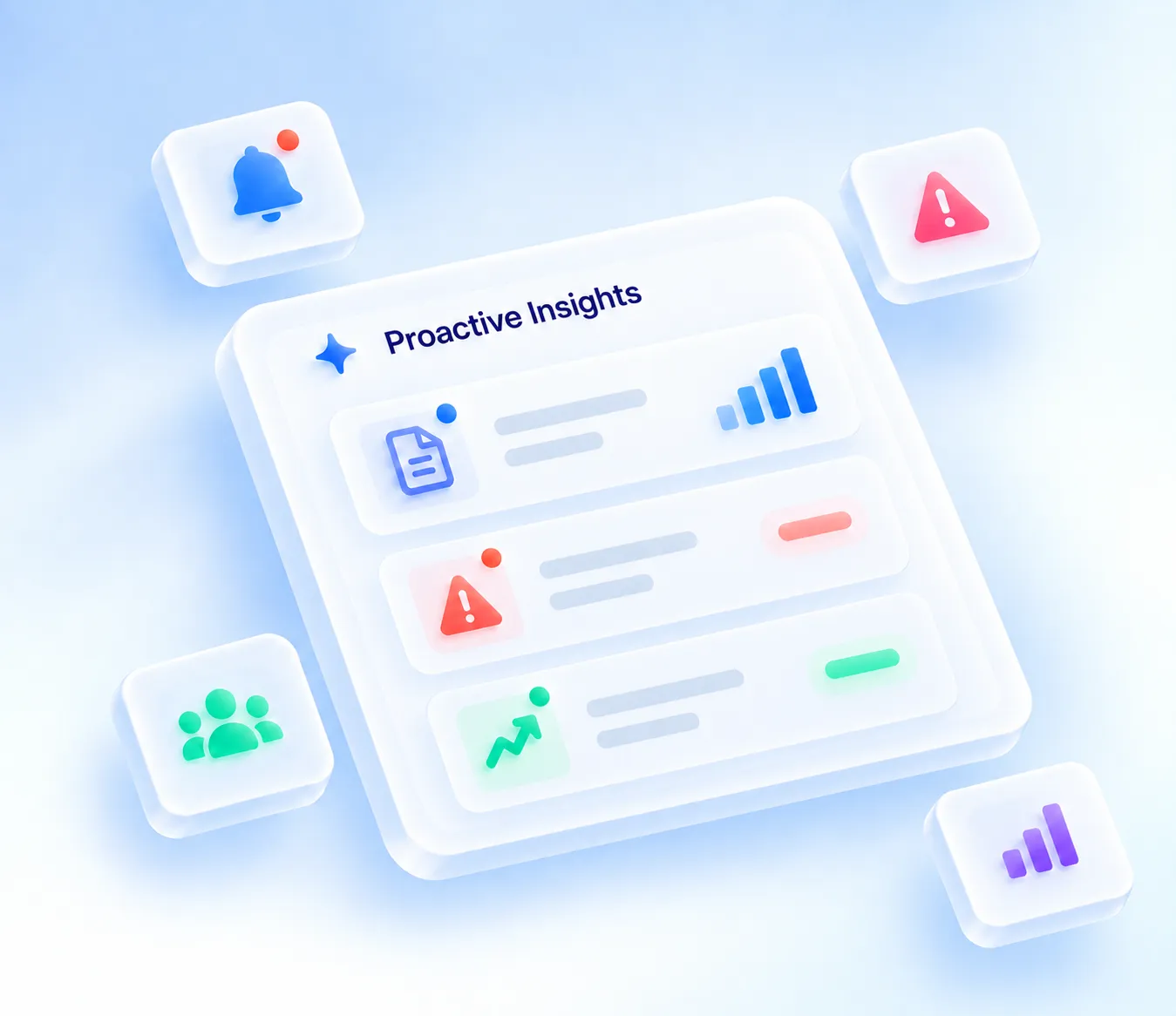
Identify important updates, risks, and opportunities before teams search for them.
CommandLyne uses three connected layers to move securely from enterprise information to intelligent action.
Connect Google Workspace, Jira, browser-based systems, and other enterprise tools through permission-scoped access.
Permissioned AccessInterpret natural-language requests, apply personal and team memory, and select the right AI model for the task.
Intelligent RoutingTurn instructions into actions across connected systems, with approval checkpoints and audit logging built into every workflow.
Controlled ExecutionCommandLyne uses three connected layers to move securely from enterprise information to intelligent action.
Explore Governance and Access ControlThe Org Admin, Team Admin and User hierarchy controls who can use which agent, model, workflow and data source.
Sensitive actions can require human approval. Every model call, data access and workflow execution is recorded.
Route work to approved models according to role, task complexity, latency and cost instead of forcing every request through one model.
Keep agent execution environments separated to reduce cross-user and cross-workflow exposure.
Discover how AI Operators across departments are using CommandLyne to rewire the way their companies work.
Five-step journey
CommandLyne interprets the request and identifies the systems and steps required.
The platform checks the user's role, approved models, available data, tool permissions and budget rules.
Relevant information is retrieved from approved connected sources and permitted personal or team memory.
CommandLyne creates an ordered execution plan and previews what will happen.
Approved actions run across connected tools and are recorded in the audit trail.
Discover how AI Operators across departments are using CommandLyne to rewire the way their companies work.
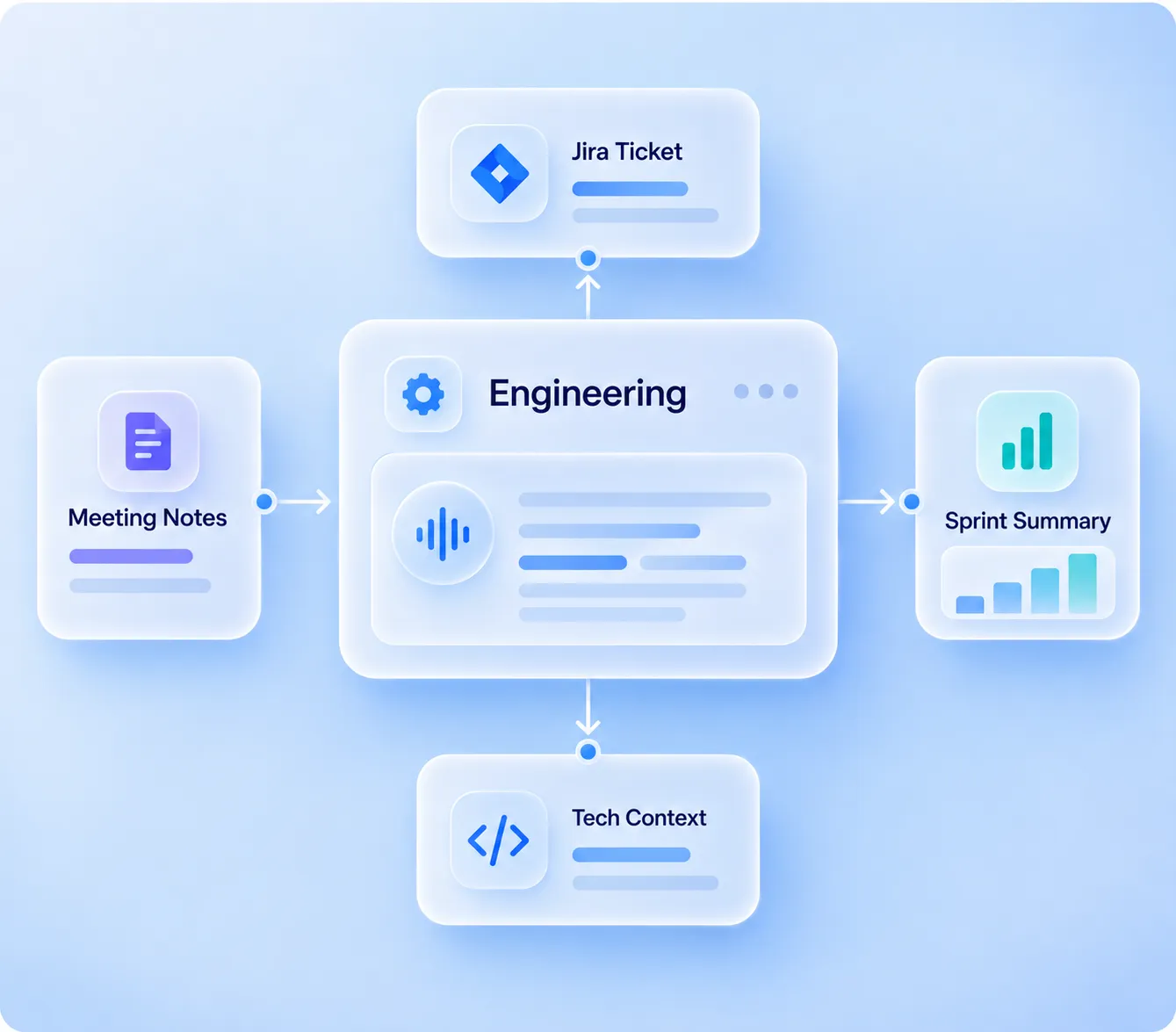
Turn meeting action items into structured Jira issues automatically.
Generate concise summaries from Jira activity and sprint progress.
Pull relevant decisions and background from Jira, Gmail, and Drive.
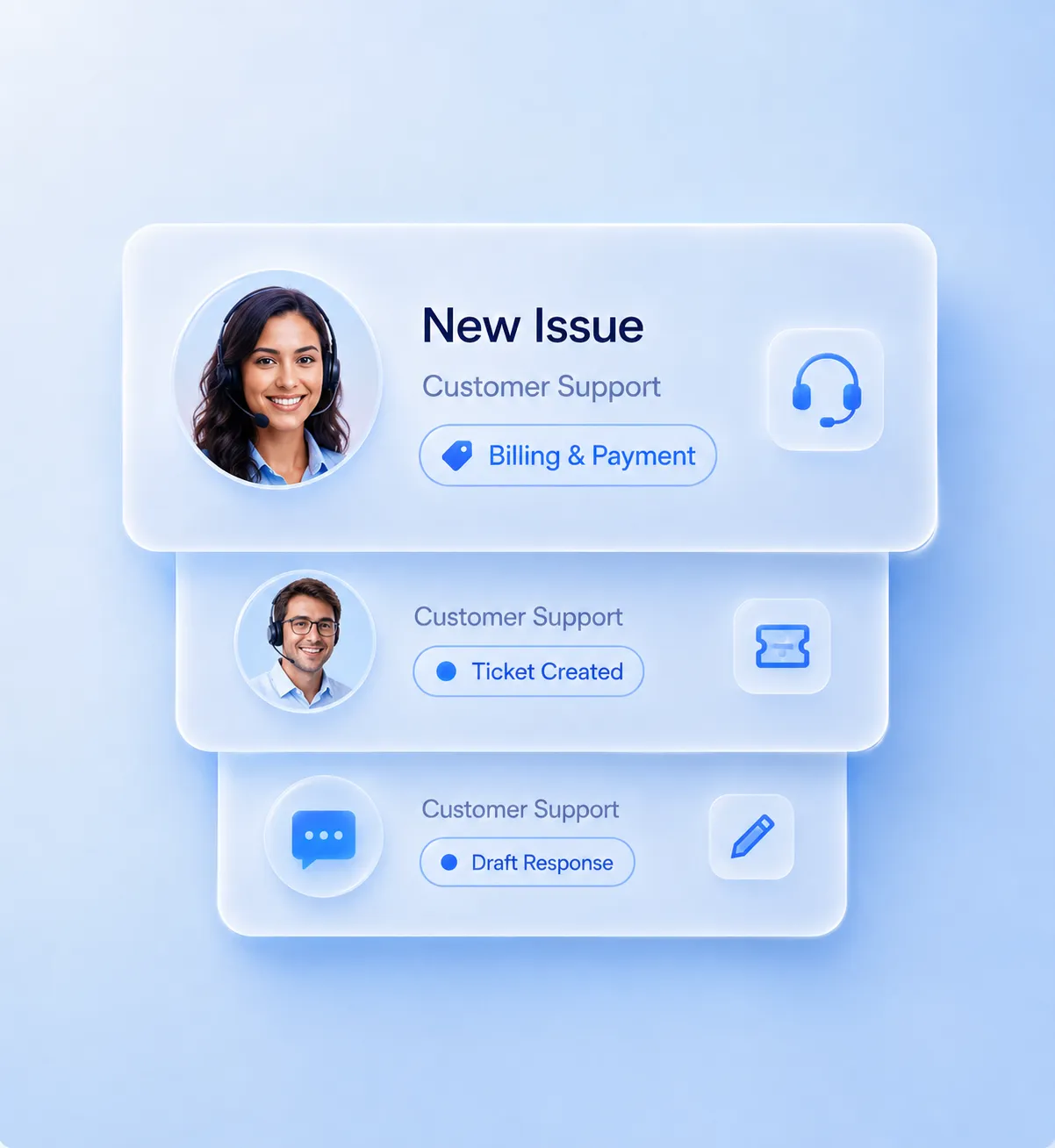
Identify issue type, urgency, and correct support route.
Create Jira cases with the relevant customer and issue context.
Prepare accurate replies using approved knowledge sources.
Keep case activity and progress connected through final resolution.
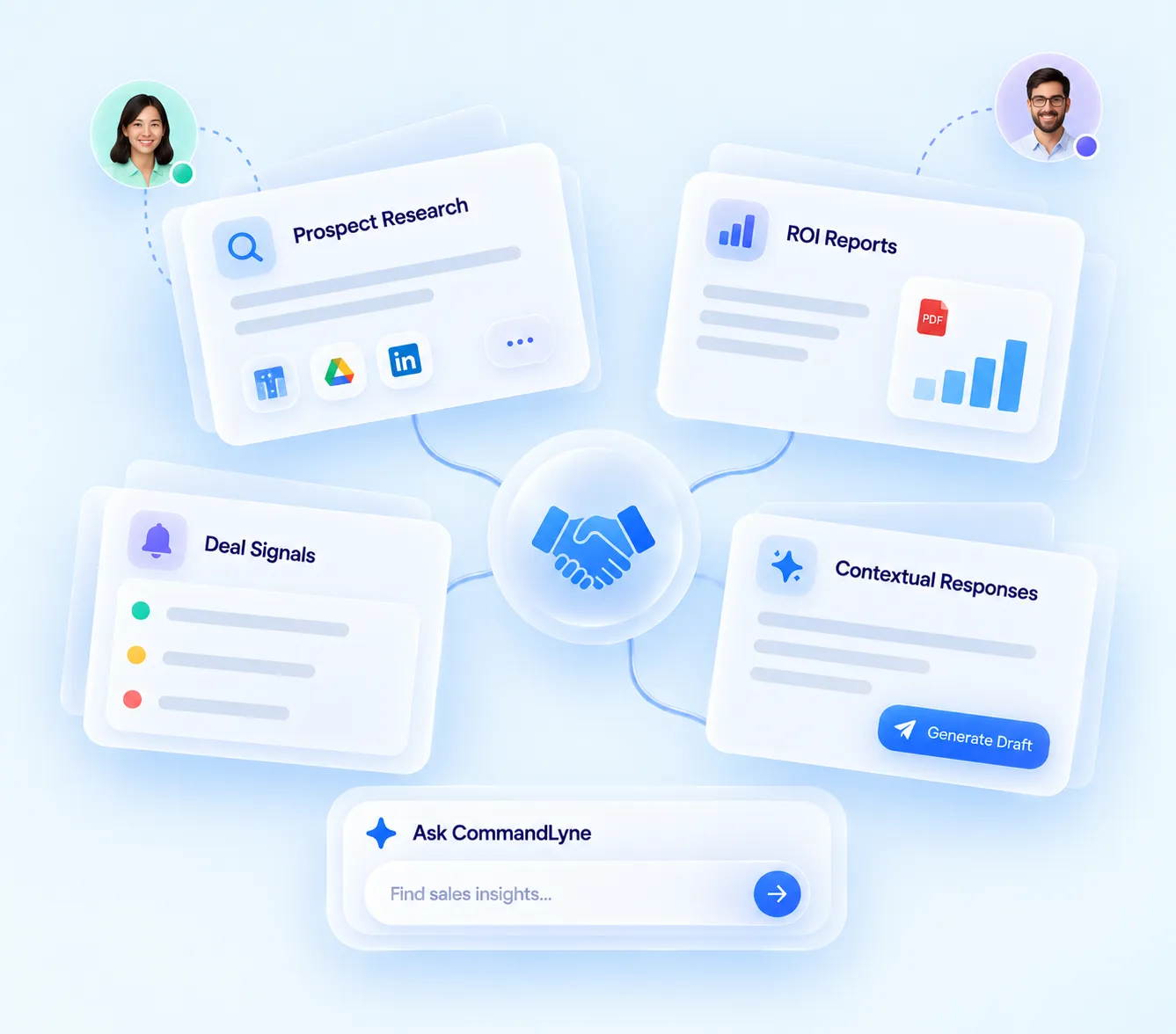
Gather relevant account and prospect context before reps engage.
Create ROI and TCO reports using customer inputs and business data.
Identify meaningful lead and deal activity across Gmail and Calendar.
Prepare relevant prospect responses using account and conversation context.
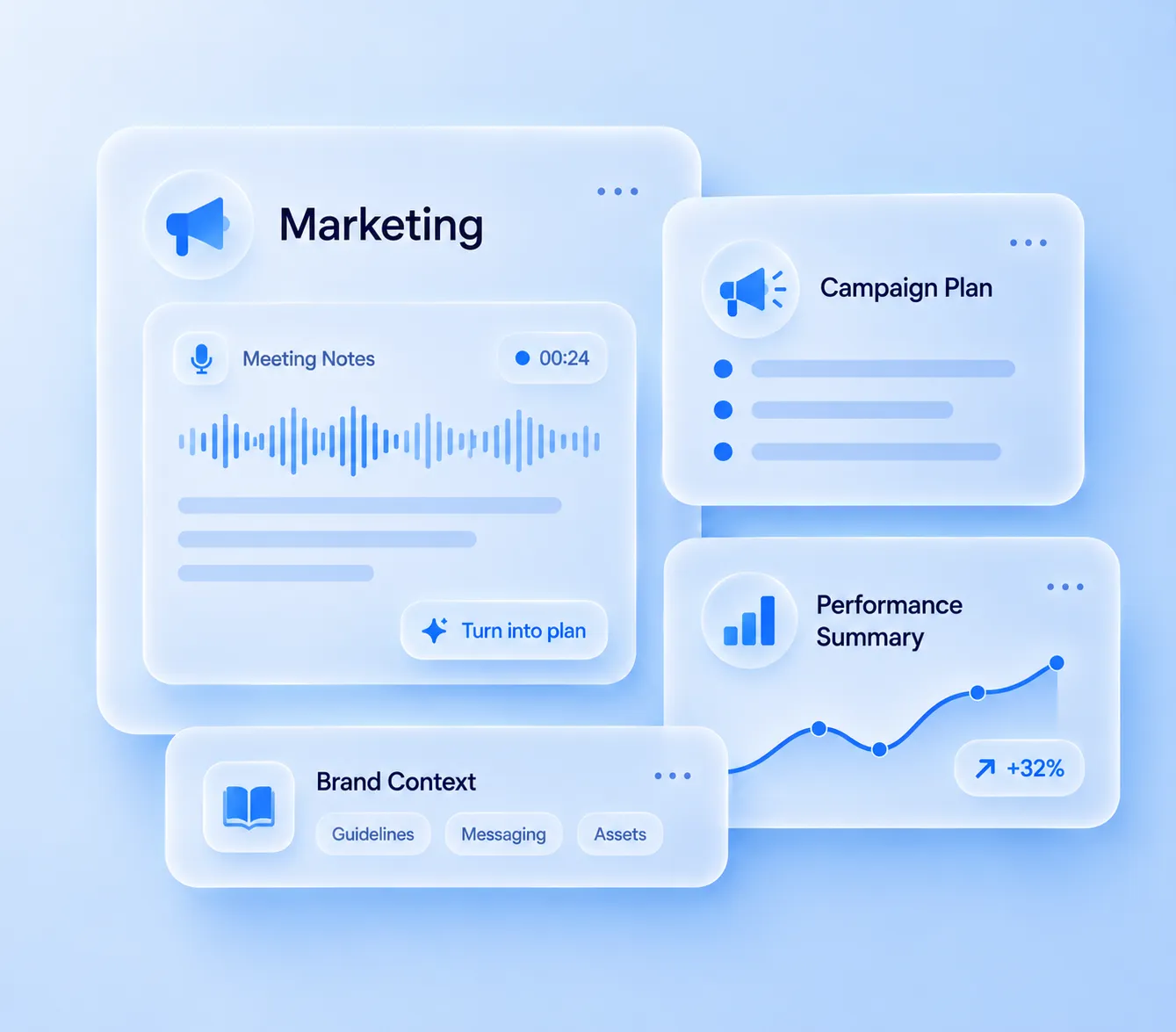
Track competitors continuously and capture relevant market activity.
Turn competitor and market activity into clear, actionable insights.
Use research and insights to create grounded content drafts faster.
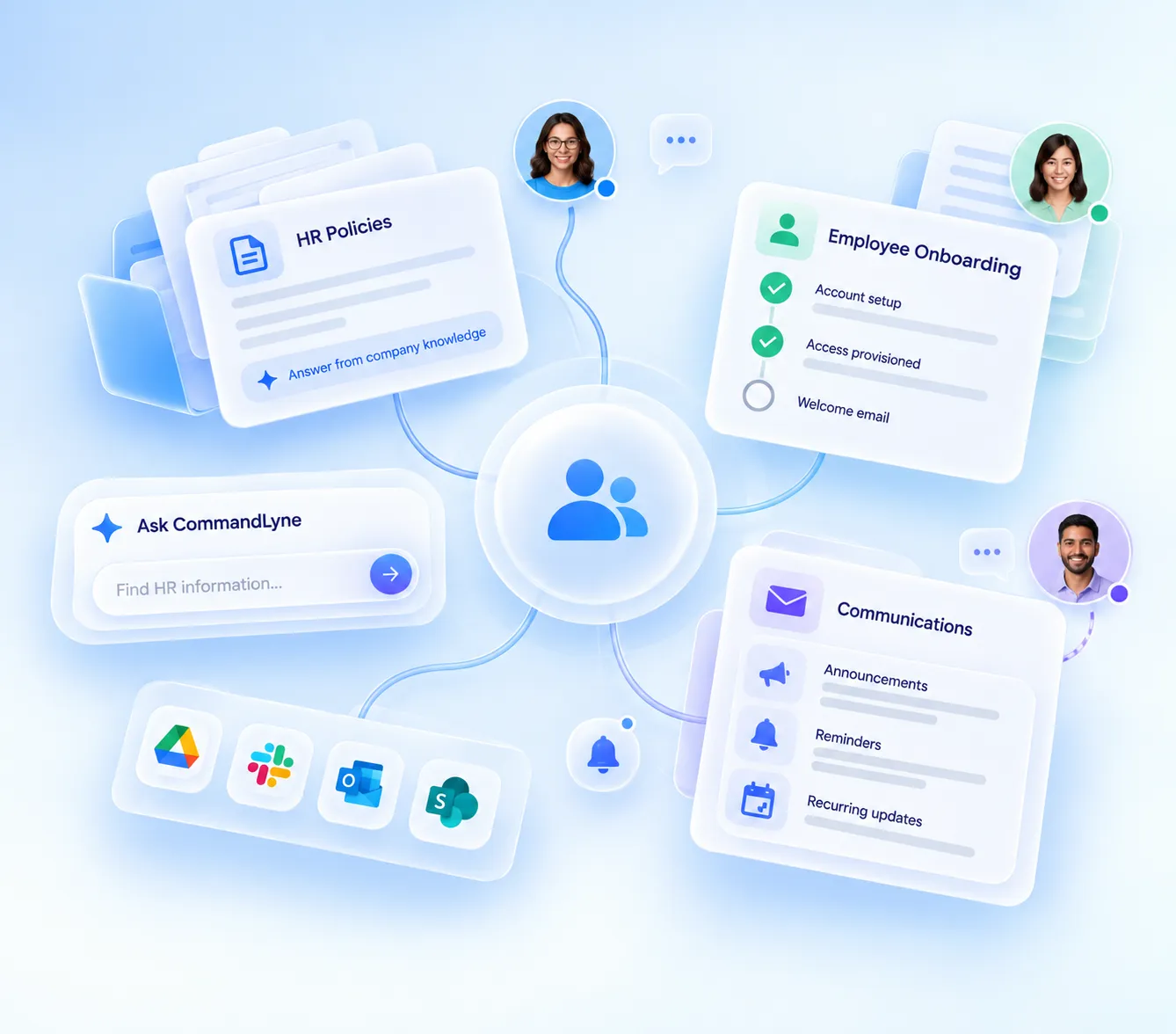
Retrieve approved policies and internal guidance from connected company information.
Bring relevant information and repeatable steps into employee onboarding workflows.
Automate routine communications while keeping access and execution controlled.
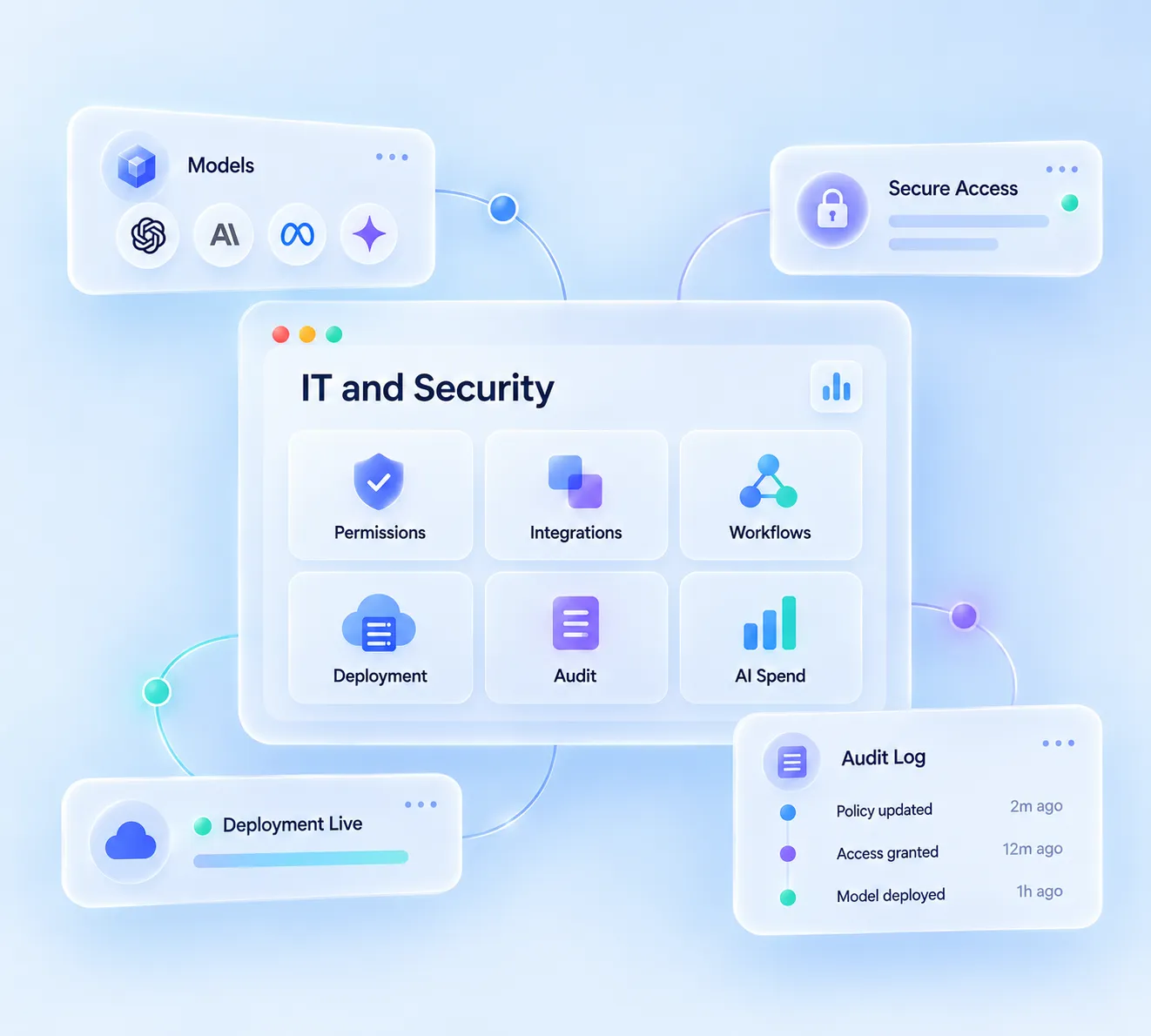
Manage which AI models are available across users, teams, and tasks.
Apply role-based access across agents, workflows, data, and connected tools.
See how AI interacts with models, enterprise data, tools, and channels.
Prepare accurate replies using approved knowledge sources.
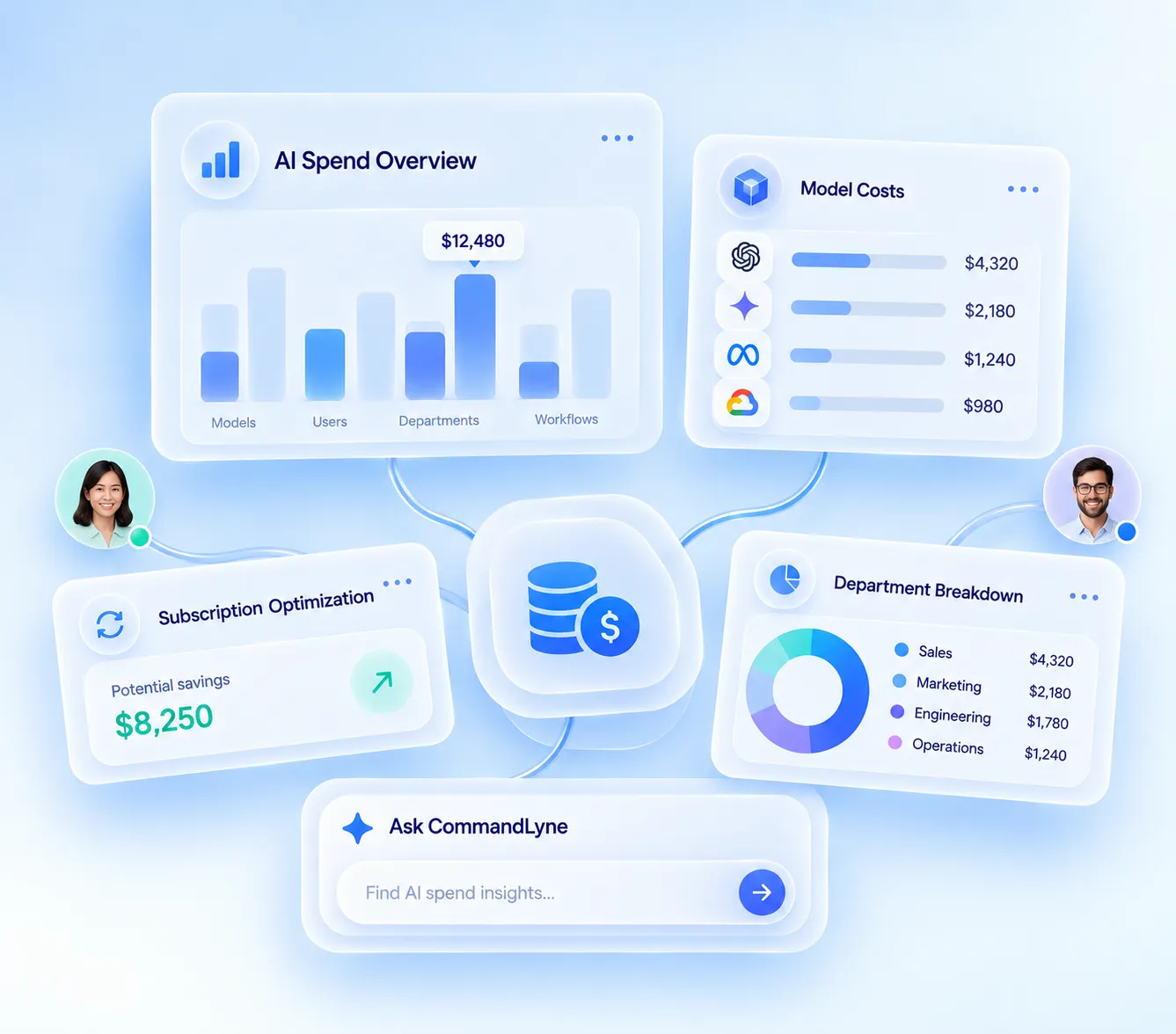
Track AI usage and spend across models, users, teams, and workflows.
Identify overlapping tools and unmanaged AI spending across departments.
Bring your agents, models, data, workflows, organizational memory, access controls, and AI spending into one governed workspace.