Meeting → Jira → Calendar
Turn standups, planning sessions, and retrospectives into Jira issues, calendar updates, and summaries.
Turn meeting discussions into tracked work, find technical context across your workspace, and automate routine engineering coordination without adding another disconnected tool.
Book a Demo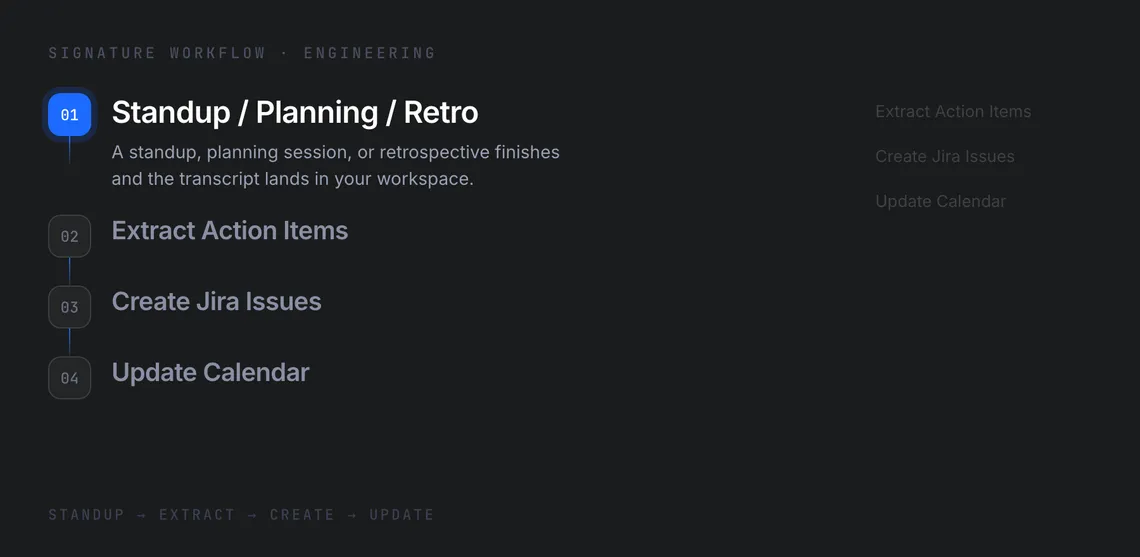

Spend less time coordinating. More time building.
Engineering teams lose time turning meeting notes into tickets, chasing calendar updates, and re-explaining context across tools.
Turn standups, planning sessions, and retrospectives into Jira issues, calendar updates, and summaries.
Search issues, create tickets, manage transitions and sprint assignments, and post comments through natural language.
Pull relevant decisions and background from Gmail and Drive when context is buried across tools.
See how CommandLyne takes a single engineering meeting and turns the resulting decisions and action items into coordinated project work.
Input · Meeting
CommandLyne captures the engineering conversation from a standup, planning session, or retrospective so the follow-up workflow starts with the full meeting context.
Intelligence · Action Items
CommandLyne identifies decisions, action items, intended owners, and relevant next steps from the meeting.
Execution · Jira
Turn identified work into structured Jira issues with the relevant task context and ownership.
Coordination · Calendar
Create or update deadlines and follow-up events in Google Calendar based on the work identified during the meeting.
Output · Summary
Send the team a concise summary of decisions, assigned work, deadlines, and next steps through Gmail.
Utilize flexible, secure, and cost-effective tools to handle a wider variety of technical workflows.
01/04
Work with vendor dashboards and internal tools without clean integrations.
02/04
Use efficient models for routine summaries and stronger models for complex context questions.
03/04
Track AI usage and cost across engineering work.
04/04
Each agent runs in its own dedicated environment with Google Cloud KMS encryption.
Reduce the coordination work around meetings, project tracking, research, and routine engineering tasks.
